




Description
Rebuild Bedrock with The Flintstones
Overview
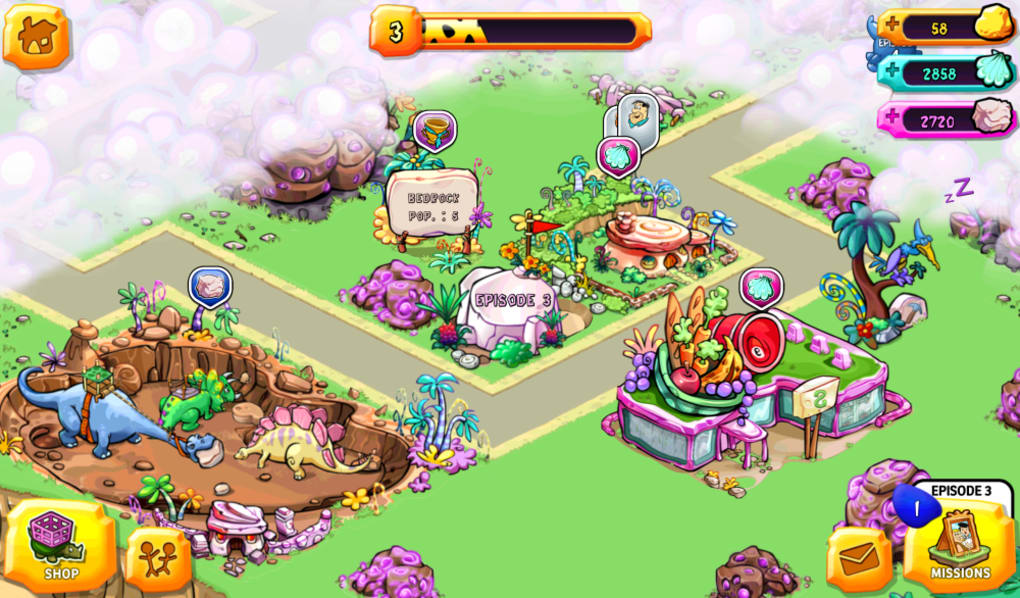
The Flintstones: Bedrock is a city-building simulation game that invites players to reconstruct the prehistoric town of Bedrock after it has been devastated by a meteor impact. The game leverages the nostalgic appeal of the classic cartoon series, allowing fans to restore Fred, Wilma, and their neighbors’ homes while unlocking new buildings, characters, and whimsical prehistoric creatures known as gizmosaurs. Designed for casual mobile gamers, the game caters to those seeking a relaxed, nostalgic experience tied to a beloved franchise. While the core premise is familiar—tap to build, wait for progress, and unlock content—the execution relies heavily on patience and repetitive tasks. The developer did not provide additional details about their background or prior projects. Real-world usage scenarios include short play sessions during breaks, evening relaxation, or as a way to revisit childhood memories tied to the original show. The game’s focus on slow progression and limited interactivity may not appeal to players seeking dynamic gameplay or fast-paced challenges.
Key Features & Capabilities
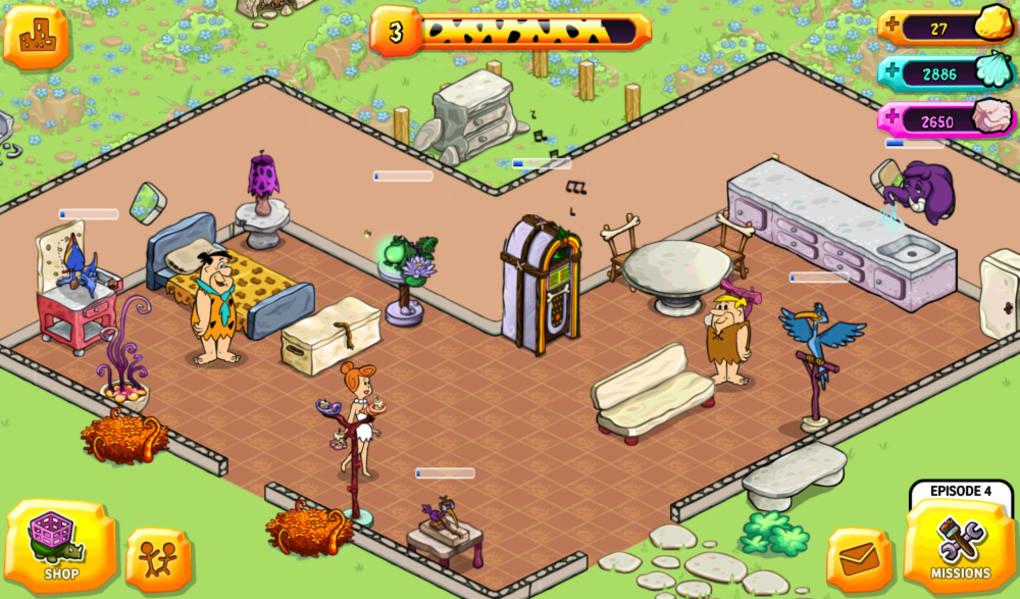
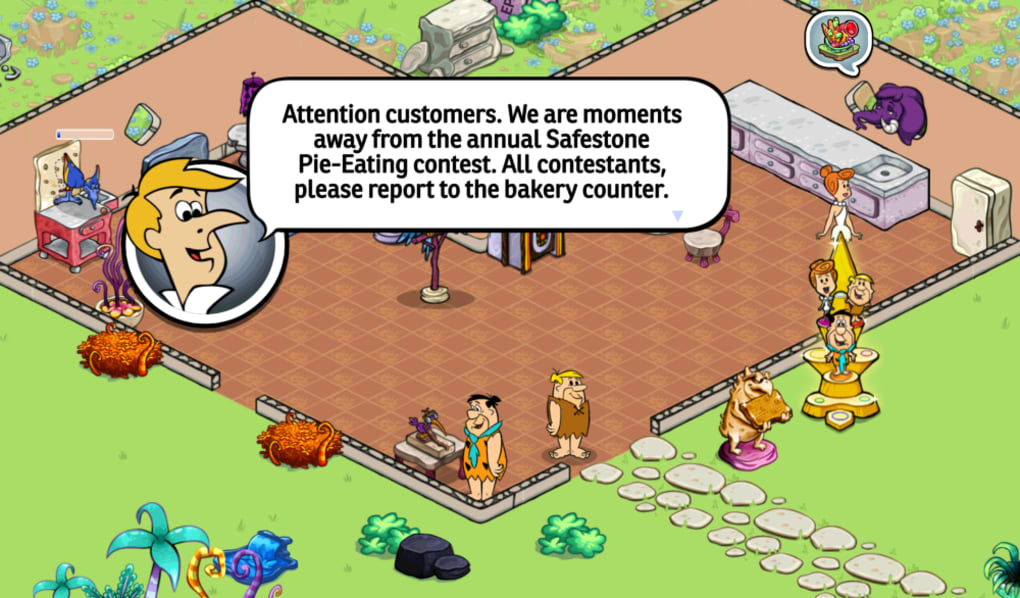
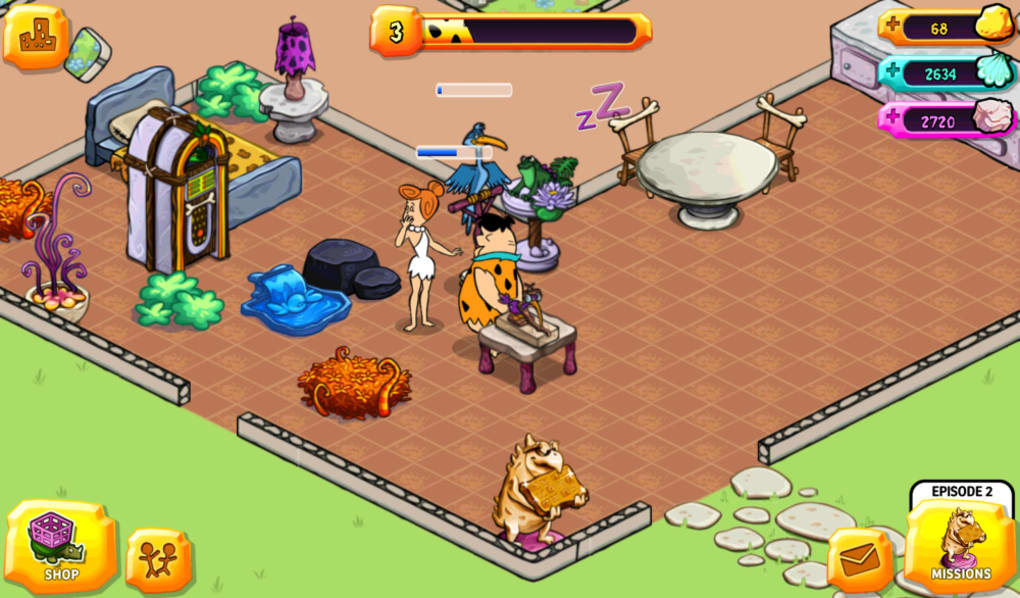
- City Rebuilding Mechanics: Players start by restoring Fred and Wilma’s house and gradually expand the town by constructing new residential and commercial buildings.
- Gizmosaurs: A central gameplay element featuring prehistoric creatures that mimic modern appliances, such as Ringo the Record Player and Jack the Jackhammer, adding humor and thematic depth.
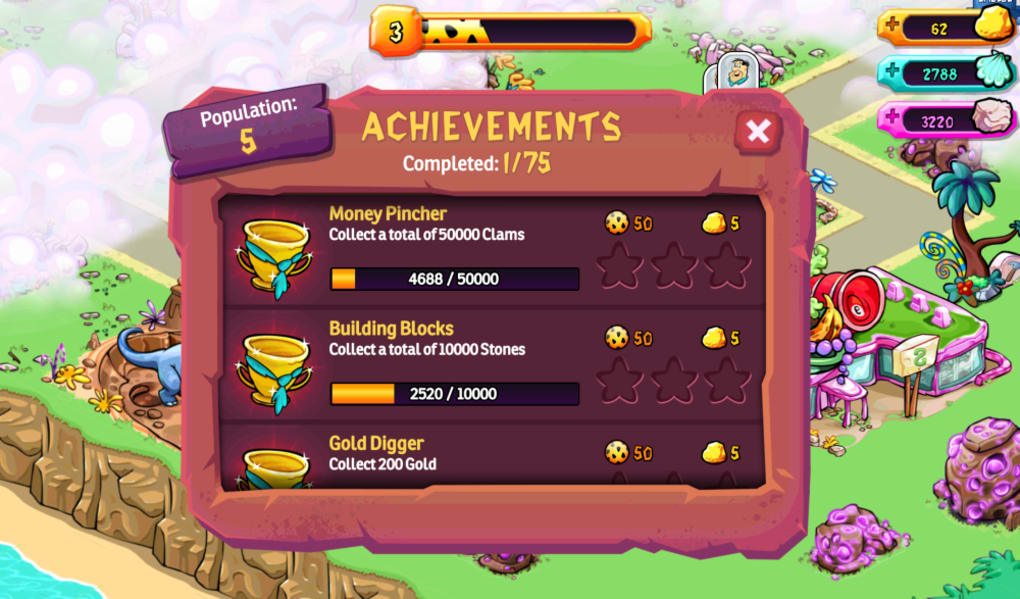
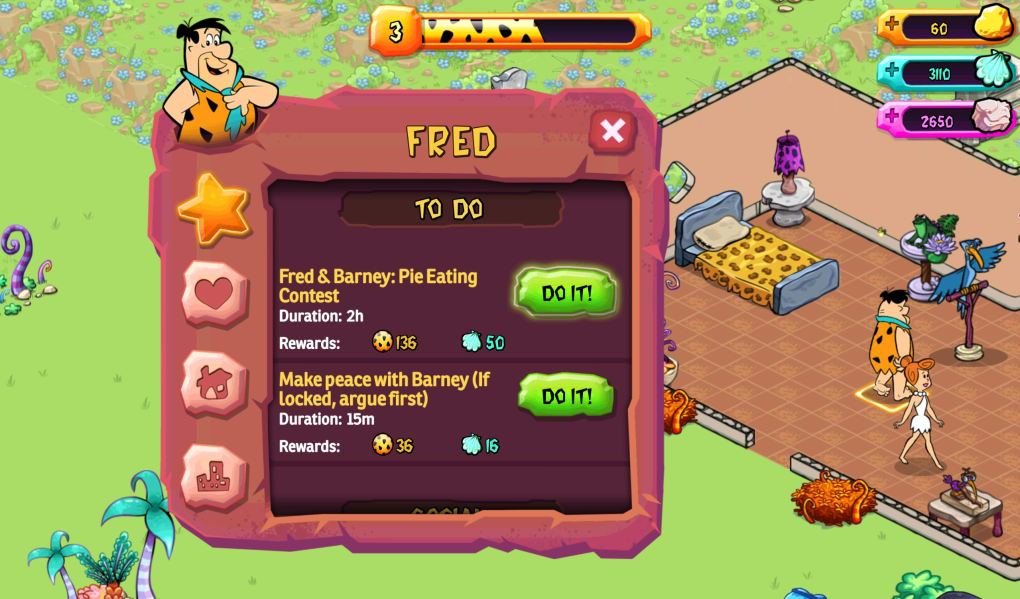
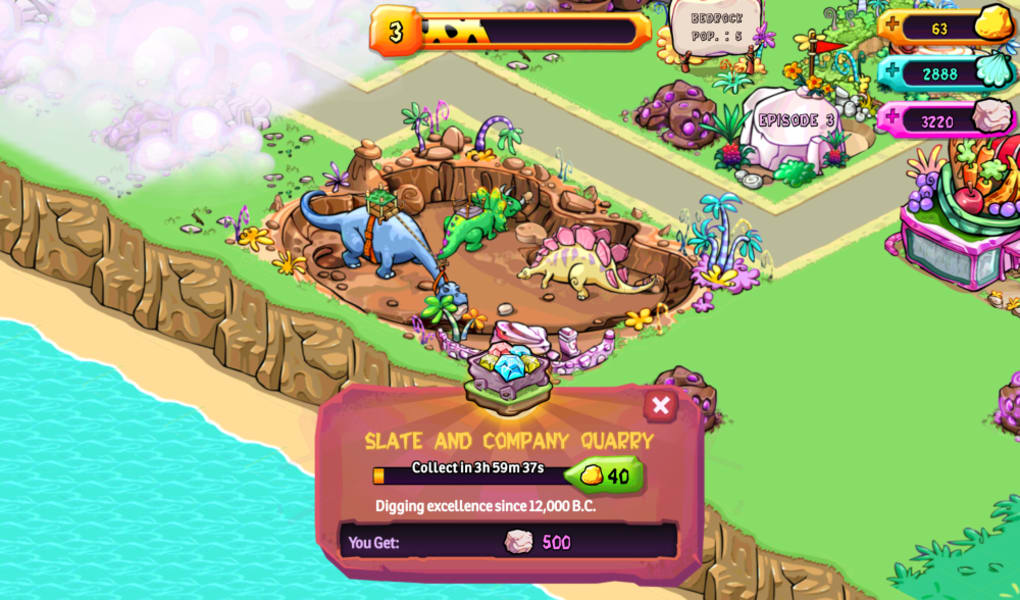
- Three Currency Types: Gold, clams, and stones are earned through mission completion or by assigning characters to tasks, with longer tasks yielding greater rewards.
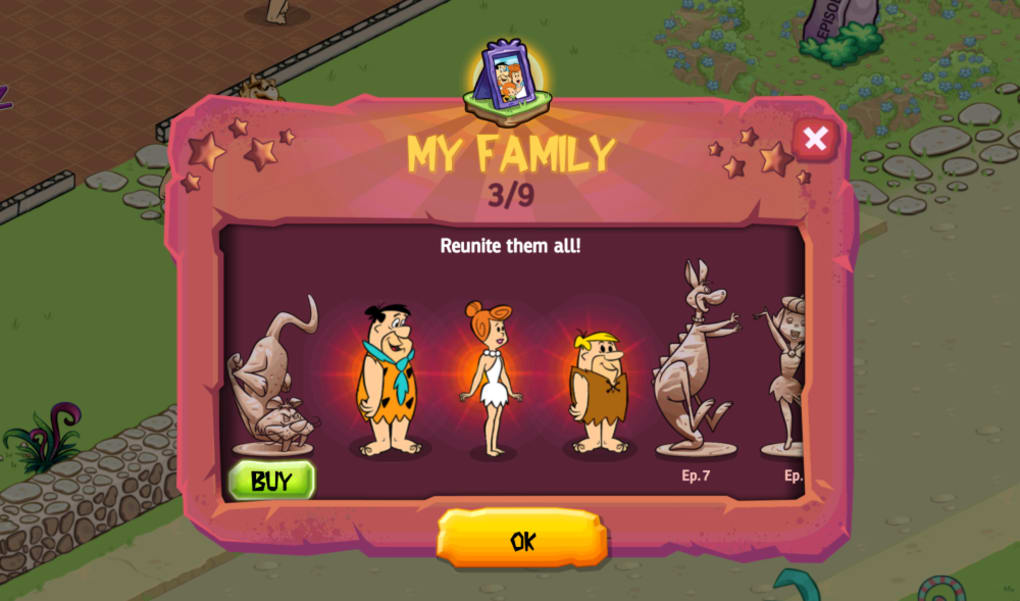
- Progression System: Unlocking new buildings, characters, and gizmosaurs is tied to completing missions and reaching milestones in the rebuilding process.
- Authentic Visual and Audio Design: The game maintains the original cartoon’s art style and includes the iconic theme tune, enhancing the nostalgic atmosphere.
These features support a slow-paced, immersive experience ideal for fans of the franchise. The gizmosaurs serve as both functional tools and entertainment elements, bridging gameplay and theme. Players use currency to accelerate progress or expand the town, though the time-based mechanics may limit engagement for those seeking immediate gratification. The game’s design emphasizes continuity with the source material, offering a thematic journey rather than high-stakes challenges.
User Interface, Workflow & Performance
The user interface follows a standard mobile game layout with a central map, action buttons, and a navigation panel. Users can access buildings, manage resources, and assign gizmosaurs through intuitive touch controls. The workflow is linear: complete tasks, earn currency, unlock new content, and expand the town. While the interface is visually consistent with the cartoon’s aesthetic, performance observations are based on general software behavior patterns. The developer did not specify resource usage details, and no official claims about CPU or RAM consumption were provided. Some users may experience delays during initial download and installation, which can take considerable time. Occasional freezing or crashes have been reported during gameplay, though the frequency and cause remain unclear. Stability may improve with future updates. Overall, the experience is functional but not optimized for high-performance devices.
Compatibility & System Requirements
The software is compatible with Android and iOS operating systems. The current version is 1.0.1, and the installation size is 180 MB. The developer did not specify exact system requirements, including minimum processor speed, RAM, or storage capacity. Compatibility information was partially provided. Users should ensure their devices meet general mobile game requirements to run the application smoothly. No official data was provided on supported device models or hardware specifications. For optimal performance, it is recommended to use a device with a modern processor and sufficient free storage.
Pros and Cons
Pros
- Authentic cartoon visuals and audio from the original series.
- Unique gizmosaurs that enhance the prehistoric theme.
- Free to download and play with optional in-app purchases.
- Appeals to nostalgic fans of The Flintstones franchise.
- Simple, intuitive interface suitable for casual players.
Cons
- Slow progression due to time-based tasks and waiting mechanics.
- Reports of freezing and crashes during gameplay.
- Limited character interaction beyond basic building functions.
- Repetitive gameplay loop may lead to player fatigue.
- Lacks innovation compared to other city-building titles.
FAQ Section
Is The Flintstones: Bedrock available for both Android and iOS?
Yes, the game is compatible with both Android and iOS devices.
Is the game free to download and play?
Yes, The Flintstones: Bedrock is free to download and play, with optional in-app purchases for game currency.
Can I play the game offline?
While the game can be played after initial download, some features may require an internet connection for updates or synchronization.
Are there any security risks associated with downloading this app?
The app is distributed through official app stores, which provide standard security checks. However, users should only download from trusted sources.
How often are updates released for the game?
Updates are released periodically to fix bugs and add new content, though the frequency has not been publicly specified.
Final Thoughts + CTA
The Flintstones: Bedrock delivers a nostalgic experience rooted in the timeless charm of the original cartoon series. Its authentic visuals, beloved characters, and imaginative gizmosaurs offer a unique thematic touch that sets it apart from generic city-building games. However, the slow pace, repetitive mechanics, and occasional technical issues may deter players seeking engaging or dynamic gameplay. The game is best suited for fans of the franchise who enjoy leisurely, low-pressure activities. For others, the experience may feel underwhelming despite its charming presentation. If you’re looking to relive the Stone Age with Fred and Wilma, this game offers a gentle, whimsical journey. Download The Flintstones Bring Back Bedrock now.
Guides & Tutorials for The Flintstones Bring Back Bedrock
How to install The Flintstones Bring Back Bedrock
- Click the Preview / Download button above.
- Once redirected, accept the terms and click Install.
- Wait for the The Flintstones Bring Back Bedrock download to finish on your device.
How to use The Flintstones Bring Back Bedrock
This software is primarily used for its core features described above. Open the app after installation to explore its capabilities.
User Reviews for The Flintstones Bring Back Bedrock 0
No reviews found





